Why You Should Use a Contactless Digital Business Card
The paper business card hasn’t kept pace with how professionals actually network today. Meetings happen over Zoom, conferences run hybrid, and job applications get submitted through a browser tab — yet many people are still relying on a stack of printed cards that go out of date the moment a title, phone number, or company changes. Digital business cards solve this directly, and the shift toward them isn’t a trend so much as a practical response to how work now happens.
This guide covers what digital business cards are, how they function, the concrete benefits over paper, what to look for in a platform, and rough pricing so you can decide if switching makes sense.
What Is a Digital Business Card?
A digital business card — also called a virtual or electronic business card — is an online version of a traditional paper card that can be shared via QR code, NFC tap, text message, email signature, or a direct link. Recipients can save the contact details straight to their phone without manually typing anything in, and unlike a paper card, a digital one can hold unlimited information: photos, video introductions, portfolio links, social profiles, and direct scheduling links.
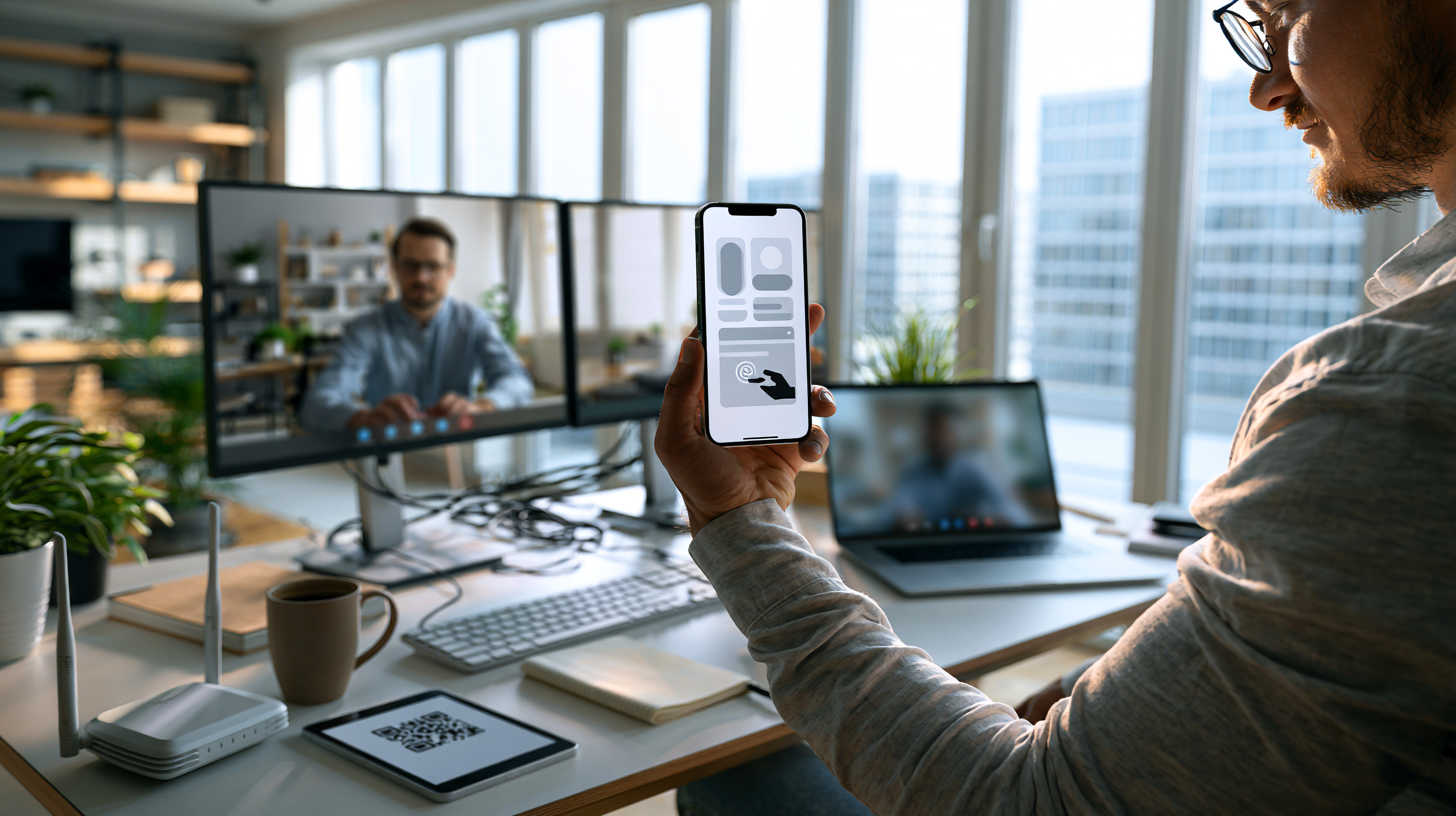
Most platforms let you build a card in minutes using a template, then share it however fits the situation — displaying a QR code on a video call, tapping an NFC-enabled phone or card against another device, or simply sending a link.
How Digital Business Cards Work

The entire exchange typically takes seconds and requires no app installation on the recipient’s side for most modern platforms — a plain QR code scan through a phone’s native camera app is usually enough.
Why Digital Business Cards Outperform Paper
They Update in Real Time
Change your title, phone number, or company, and every card you’ve ever shared updates automatically. There’s no reprinting, no handing out outdated information, and no cost tied to keeping details current — a meaningful advantage over ordering a new box of printed cards every time something changes.
They Hold Far More Information
A paper card is limited to a few square inches. A digital card has no such constraint — you can link a portfolio, embed a short video introduction, list client testimonials, or add a direct booking link, none of which fit on paper.
They’re Built for Virtual Sharing
Since so much networking now happens over video calls, email, and messaging apps rather than in person, digital cards fit the format naturally. A QR code works well as a Zoom background or a quick screen-share; a link drops cleanly into a chat or email signature — both far more polished than pasting a plain text URL into a meeting chat.
They Integrate With CRMs
Many platforms allow new contacts to sync directly into CRM systems like HubSpot, Salesforce, or Zoho, either natively or through automation tools like Zapier. This removes the manual step of transcribing paper cards into a database after a networking event — a task that, in practice, rarely gets done consistently.
They Reduce Waste
Estimates suggest tens of billions of paper business cards end up in landfills every year, alongside the inks, bleaches, and packaging involved in producing them. Surveys have also found that a large share of paper cards are discarded within a week of being received. A digital card produces none of that waste, which makes it an easy, low-effort addition to a company’s broader sustainability efforts.
They’re Genuinely Contactless
Sharing a card via QR code, NFC tap, or link requires no physical handoff — useful in any setting where minimizing physical contact matters, and simply more convenient in general since there’s nothing to misplace, run out of, or forget at home.
Paper vs. Digital Business Cards: Side-by-Side Comparison
| Factor | Paper Business Card | Digital Business Card |
|---|---|---|
| Update cost after a change | Full reprint required | Instant, free update |
| Information capacity | Limited to card size | Unlimited (links, video, portfolio) |
| Sharing method | In-person handoff only | QR code, NFC, link, email, text |
| Works on a video call | No | Yes (QR code or link) |
| CRM integration | Manual data entry | Often automatic or one-click |
| Typical cost | Ongoing printing costs per batch | Often free tier or low monthly/annual fee |
| Environmental impact | Paper, ink, and packaging waste | Minimal to none |
| Risk of running out | Yes, especially at events | None |
| Longevity of information accuracy | Degrades immediately after any change | Always current |
What to Include on a Digital Business Card
- Basic contact information — name, title, company, phone number, and email, plus messaging handles like WhatsApp or Signal if you work internationally
- A professional photo — especially valuable for contacts who’ve never met you in person
- Social and portfolio links — but curate these carefully; only include profiles that represent your most polished, current work
- Credentials — licenses or certifications relevant to your field, particularly important in regulated industries like real estate, finance, or healthcare
- A scheduling link — letting new contacts book time with you directly removes an entire step from the typical follow-up process
Typical Pricing for Digital Business Card Platforms
Pricing varies by provider and by whether you need individual or team/enterprise features, but general ranges look like this:
| Plan Tier | Typical Price Range | Common Features |
|---|---|---|
| Free / Individual | $0 | Basic card creation, QR code sharing, limited customization |
| Premium / Pro (individual) | Roughly $3–$10/month | Advanced customization, analytics, CSV contact export |
| Team / Business | Roughly $5–$15/user/month | Brand consistency across team cards, CRM/Zapier integration, centralized dashboard, Active Directory sync |
| Enterprise | Custom pricing | Bulk provisioning, SSO, dedicated support, advanced analytics |
Exact pricing changes frequently and varies by provider, so treat these as general planning ranges rather than a quote from any specific platform.
Who Benefits Most From Switching
Remote and hybrid workers who rarely meet contacts in person get the clearest benefit, since a QR code or link works naturally in a video call setting where a paper card physically cannot.
Sales, insurance, and real estate professionals benefit from the ability to attach credentials, testimonials, and scheduling links directly, since networking volume in these fields makes manual follow-up especially time-consuming without CRM integration.
Job seekers can use a digital card to present a fuller professional picture than a resume alone — linking a portfolio, work samples, or a personal site directly from a card shared during outreach or interviews.
Teams and organizations benefit from consistent branding across every employee’s card and centralized contact management, particularly when onboarding or offboarding staff who would otherwise need new paper card orders.
Choosing a Platform: What to Look For
- Recipient friction — can someone save your card without installing an app? Native QR/camera compatibility matters more than flashy design features.
- Customization depth — how much control do you have over layout, branding, and included media?
- CRM and integration support — does it connect to the systems your business already uses, either natively or via Zapier?
- Team management features — for organizations, look for centralized dashboards that maintain consistent branding across every employee’s card.
- Export options — the ability to download your contacts as a CSV avoids vendor lock-in if you switch platforms later.
NFC Cards: The Physical-Digital Hybrid
Some providers also offer NFC-enabled physical cards — a plastic or metal card embedded with a chip that, when tapped against a smartphone, opens your digital profile instantly, no scanning or typing required.
This hybrid approach appeals to people who still want something tangible to hand over at in-person events while keeping all the update and analytics benefits of a fully digital card. NFC cards typically cost a small one-time fee, separate from any software subscription, and work with both iPhone and most modern Android devices without requiring the recipient to have a special app installed.
Common Mistakes to Avoid
- Overloading the card with links. More isn’t always better — a card cluttered with a dozen social profiles and outdated project links looks less professional, not more. Prioritize the handful of links most relevant to how you want to be seen.
- Neglecting to test the recipient experience. Always scan your own card from a different device before relying on it professionally, to confirm the contact saves correctly and every link works.
- Choosing a platform based on design alone. A visually polished card that requires the recipient to download an app before saving your details creates unnecessary friction compared to a simpler, native QR-code-based option.
- Forgetting to update credentials. The instant-update advantage only helps if you actually keep the card current — treat it as a living profile, not a one-time setup task.
Frequently Asked Questions
Most modern platforms let recipients scan a QR code with their phone’s native camera app and save the contact directly — no app installation required on their end. Creating and managing your own card typically does require signing up with a provider.
Usually, yes. Many platforms offer a free tier for individuals, and even paid plans typically cost less over time than repeatedly reprinting paper cards after title changes, job moves, or design updates.
Many platforms support direct or Zapier-based integration with systems like HubSpot, Salesforce, and Zoho, letting new contacts flow into your existing sales or networking pipeline without manual data entry.
Yes — sharing a QR code or link only exposes the information you’ve chosen to include on the card itself, similar to handing someone a paper card, without requiring any sensitive data exchange or app permissions on the recipient’s device.
Your existing digital card updates instantly for anyone who has already saved it, and any card you continue sharing reflects the change immediately — no reprinting or redistribution needed.
Yes. Team and business-tier plans typically include centralized dashboards that let organizations maintain consistent branding, formatting, and information across every employee’s card from a single admin view.
Paper business cards were built for a world of in-person handoffs, and that world has permanently changed shape. A digital business card matches how professional networking actually happens now — over video calls, through links and QR codes, and across CRMs that need contact data flowing in automatically rather than typed in by hand. For remote workers, sales professionals, and any team that wants its branding to stay current without a reprint every time something changes, the switch tends to pay for itself quickly.
Please share this Why You Should Use a Contactless Digital Business Card with your friends and do a comment below about your feedback.
We will meet you on next article.
Until you can read, 9 things you can do to make working from home more joyful